
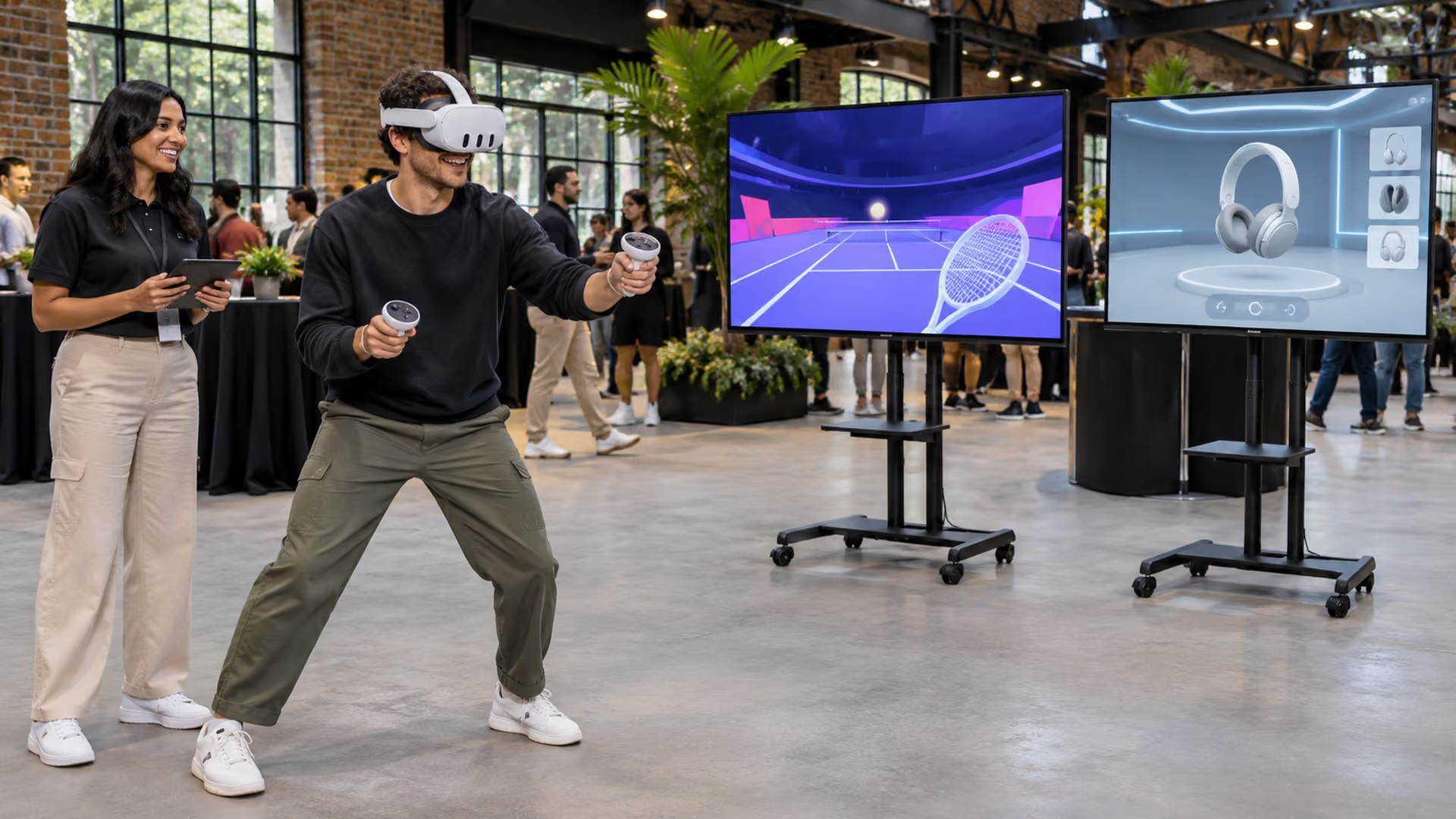
VR event options compared: ready-made experiences, custom activations and headset rental
A VR station can entertain guests, demonstrate a product or invite people to practise a short scenario. The right format depends on why the activity is there and what the event team needs to manage. A ready-made game, a custom application and a hardware rental can all involve the same headset while delivering very different experiences.
For an event organiser, the practical comparison is not just the price per device. It includes content rights, the amount of preparation needed, staffing, physical space, session time and the support available when something changes. A low-cost option may be perfectly suitable for a simple activity, while a complex brand demonstration may justify a more tailored approach.
This article compares three common ways to bring VR to an event and the questions to ask before choosing. Exact inclusions, pricing and availability depend on the supplier, content and event scope.
Option 1: an existing VR experience with event support
An existing experience is a title or application that has already been developed. For an event, the provider may supply suitable devices, install the content and provide staff to guide participants. The available experiences can range from short games to exploration or educational activities.
This option can suit an event where the primary goal is entertainment, participation or introducing guests to VR. The content may already have established controls and a known session length, making it easier to assess whether it fits the programme. The event team can review the experience before deciding whether it is appropriate for the audience.
The trade-off is that the application may not deliver a specific business message or include the client's product. Branding, content changes and integration with an event system may be limited or unavailable. A general adventure may attract a queue but will not automatically explain a new service or provide meaningful product education.
Licensing matters. A title available to a consumer is not necessarily licensed for public or commercial event use. Ask the supplier to confirm the relevant rights for the location, audience and event. Also check whether the title requires an account, internet connection, particular age restrictions or specific hardware.
Existing content still needs operational planning. Confirm who sets up the station, supervises participants, maintains the queue and prepares shared equipment between sessions. Ask whether the quoted support is continuous or limited to specified hours and what happens if a device or application needs attention.
Option 2: a custom VR activation
A custom activation is designed around a defined event objective. It may include a branded virtual environment, a product model, an interaction or a scenario developed for the audience. The application can be tailored to the desired session length, physical space and equipment, within the project's technical and budget constraints.
This approach can be useful when the experience must communicate something that existing content cannot. A company might want guests to explore a difficult-to-transport product or understand a process from a particular viewpoint. An education event might require a scenario aligned with a specific learning objective. The important point is the purpose, not simply the presence of a logo.
Custom work requires decisions about content, approvals and testing. The team needs to identify the source material, establish who can verify product or subject accuracy and agree on the features that must be ready for the event. A prototype or early review can reveal whether the interaction is understandable before the application becomes more complex.
Lead time and scope matter. A change to a product model, narrative or interaction late in production can affect the schedule. Define a minimum useful experience and distinguish essential requirements from optional enhancements. If the application depends on a network, analytics system or external display, include those dependencies in the brief and rehearsal.
A custom activation can support a strong brand story, but it does not guarantee attention, enquiries or sales. Agree on what will be measured and how it relates to the objective. For example, a team might record completed sessions and invite feedback, while recognising that those figures do not by themselves prove a commercial outcome.
Option 3: headset and equipment rental
Equipment rental supplies hardware for a period and scope agreed with the provider. Depending on the arrangement, it may include headsets, controllers, charging equipment, accessories, delivery or technical setup. Some rentals include operators and content; others place more responsibility on the event team. The proposal should state exactly what is included.
Rental can suit an organisation that already has a compatible application and a team capable of operating it. It may also work for a short-term requirement where purchasing devices is not justified. Before booking, verify that the application runs on the specific headset, operating-system version and device configuration being supplied.
Do not assume that an application installed on one headset will work without adjustment on another model. Controller input, account requirements, graphics performance and supported operating systems may differ. Ask who will test the build on the actual rental devices and who can resolve a compatibility problem before the event.
Check the rental period, collection and return arrangements, security, damage conditions and support hours. If the devices need to be configured or updated before an event, include time for that work. A headset delivered shortly before guests arrive may leave little opportunity to resolve an unexpected account or network requirement.
Compare the content and the outcome
The first comparison is whether the experience can deliver the event's purpose. If the goal is to entertain guests during a social function, an appropriate existing title may be enough. If the goal is to explain a specific product feature, a custom demonstration may be more relevant. If a finished application already exists, compatible rental hardware and operational support may be the main requirement.
Ask how much control you need over the experience. Can the session length be adjusted? Can an operator restart it quickly? Can the content be used by first-time participants without lengthy instruction? If branding or a particular message is required, establish what can be changed and who approves it.
Where possible, test the intended content with someone who has not seen it before. Observe whether they understand what to do, can use the controls and can finish within the planned time. A demonstration that needs extensive coaching may require a different introduction, shorter activity or more staff.
Compare the operational responsibilities
A proposal for a VR event should identify the work before, during and after guest sessions. Setup can include positioning equipment, checking tracking, testing audio, arranging power and confirming the play area. During the event, a host may welcome guests, adjust headsets, explain controls and keep the area clear. After each session, equipment may need cleaning and preparation for the next person.
Compare space, lighting and connectivity
Different experiences require different physical areas. A seated viewing experience may need less movement space than a game that asks participants to turn or reach. AltVR's service information suggests an initial two-metre-by-two-metre area for interactive engagement, with more space for more dynamic experiences. Confirm the actual requirement for the selected content, device and venue.
Include room for the participant, the operator and the queue. Check the floor surface, nearby obstacles, access routes and any cables. A digital boundary can assist a user but does not replace supervision or a clear physical space. The layout should prevent other guests from entering the active area unexpectedly.
Tracking conditions need attention too. Meta's controller guidance identifies direct sunlight and high-intensity lighting as potential issues for controller tracking. Confirm current device guidance and test the proposed setup in the actual lighting where possible.
Connectivity depends on the application. Some experiences run locally; others use online accounts, live content or multi-user features. Wi-Fi availability alone does not establish that performance will be reliable. Ask about required bandwidth, latency, network access, device count and the plan for an outage. Avoid promising an offline experience until the complete build has been tested without a connection.
Compare capacity and guest flow
The advertised duration of the VR content is only part of each session. Allow time to welcome the guest, explain controls, fit the headset, run the activity, help the guest exit and prepare the device for the next person. Additional time may be needed for questions or participants requiring assistance.
A theoretical calculation can help with planning. If the complete cycle takes six minutes, a single station could serve up to ten people in an uninterrupted hour. This is a maximum based on the assumption, not a guarantee. Actual throughput can be lower because of breaks, variable participation times and operational interruptions.
Estimate when guests will arrive, not only the total attendance. An activation open all day may experience a sudden rush during a short break. A queue plan, booking slots or a shorter experience may be more effective than adding headsets without enough operators or space.
Consider what non-participants will do. A separate screen can help spectators understand the activity, but check that it shows appropriate content and does not reveal personal or confidential information. Provide an alternative way to engage for guests who do not want to wear a headset.
Compare comfort, accessibility and safety
People differ in their response to VR. Experience design, virtual movement, headset fit, session length and the physical environment can affect comfort. Avoid guaranteeing that a particular activity will be comfortable for everyone. Participants should be told what the experience involves and be able to stop when they choose.
Ask whether the activity supports seated use, what physical movements are required and whether a non-headset alternative is available. Not every application can support every accommodation, so discuss the audience's needs early and test the proposed arrangement. A host can help participants understand the options without pressuring them to take part.
For dynamic experiences, the active space should be clear, the participant should be monitored and the stop procedure should be understood by the host. A risk assessment appropriate to the event may involve the venue, organiser and provider. The precise measures depend on the experience and site.
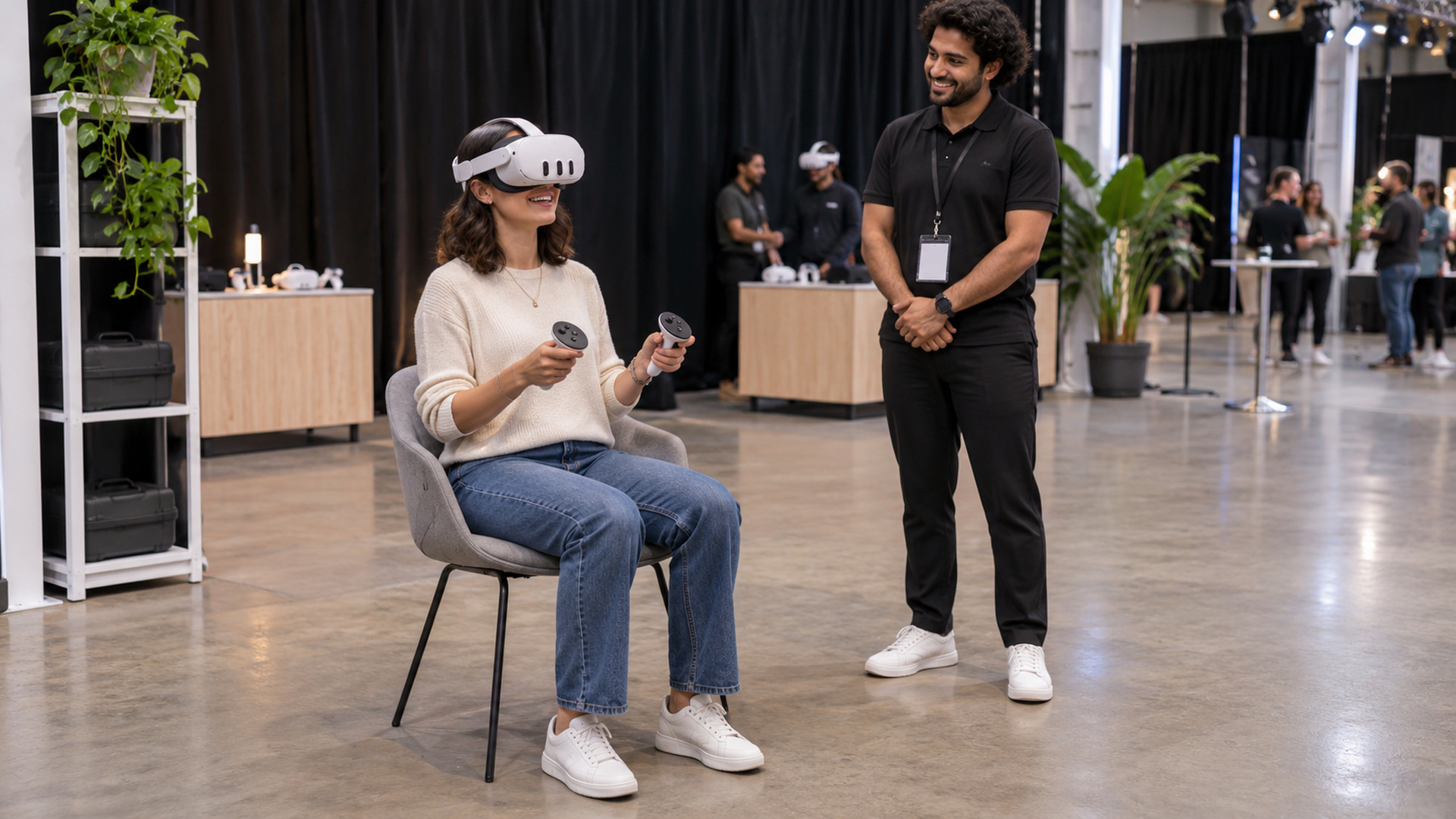
Compare cost as a complete scope
When reviewing quotations, ask each supplier to explain the same items: content and licensing, hardware, transport, setup, operating hours, staffing, cleaning supplies, network and power needs, rehearsal and support. Clarify whether travel, additional time, damage cover or later changes are charged separately.
A custom build may include development and testing in addition to event operation. An existing experience may carry a commercial licence or operator fee. A hardware rental may require the organiser to provide content and staff. Comparing totals without those differences can produce a misleading result.
Discuss ownership and reuse if custom content is created. Who receives the application and source assets? Can the experience be used at another event, updated for another device or maintained by another supplier? Third-party assets and software may have their own licence terms. These questions should be settled in the agreement.
Also define the outcome and the evidence you will collect. Completed sessions, waiting time and participant feedback can help assess an activation if they are measured consistently. If personal information or leads are collected, establish the purpose, consent and privacy process. A queue or a headset photograph alone does not prove that the event met its business objective.
Choosing the right format
Choose an existing experience when its content and licensing fit the audience and goal. Consider a custom activation when a specific interaction or message is central to the event. Consider compatible equipment rental when you already have suitable content and know who will operate it. Some events may combine these approaches.
AltVR's virtual reality events service offers bespoke experiences and equipment rental for events. Contact AltVR with your location, dates, audience, expected attendance and desired outcome. A clear brief makes it easier to compare a proposal on the content, support and practical requirements that matter.