
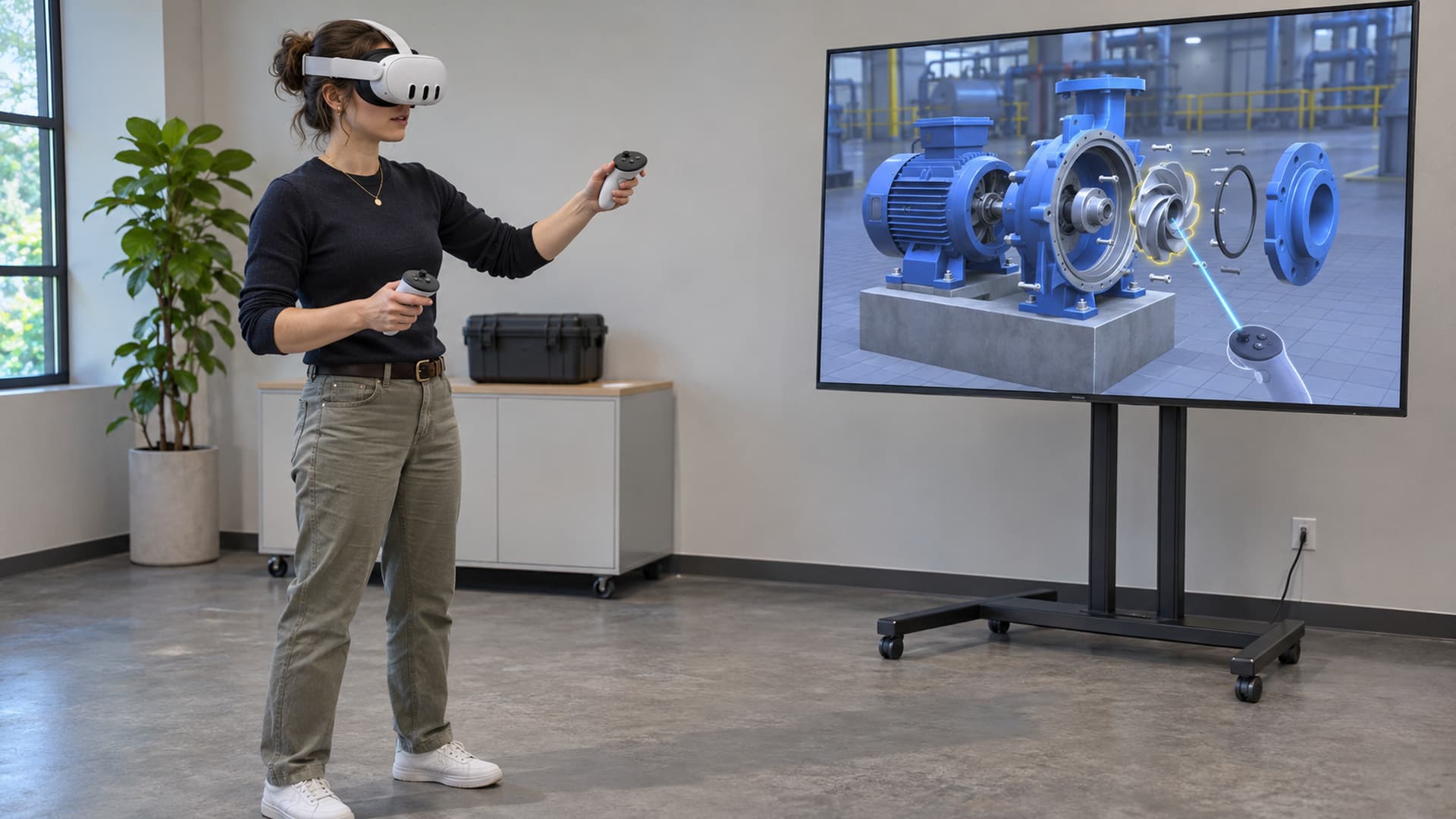
Custom VR software for business: where an immersive application can add value
A virtual reality application can place a person inside an environment that would be expensive, difficult or impossible to bring into a meeting room. A prospective buyer might explore a proposed product, a team could rehearse a decision, or a designer might review the relationship between equipment and space.
The value is not created by immersion alone. It comes from the task the application supports, the accuracy of the content and the way the experience fits the people and devices that will use it. Custom development makes it possible to design around those requirements, but it also requires clear decisions about scope, delivery and support.
For South African businesses considering VR, the starting point is a specific problem. What needs to be demonstrated, practised or understood? Who will use the experience, and what should happen after they finish? Those answers are more useful than beginning with a list of headset features.
What custom VR software does
A custom VR application is software built around a defined experience rather than selected unchanged from an existing catalogue. It can include a virtual environment, digital objects, interaction rules, sound, instructions and a way to record or report selected events. The features depend on the brief.
A virtual environment might represent a real location, a proposed space or a deliberately simplified scene. Users may move within the physical area available, use controllers or hand interaction where supported, and receive feedback from the software. The developer must design the experience for the target device and the way it will be operated.
Custom does not mean every component must be invented from scratch. A project may use an established development engine, existing 3D assets or standard device features alongside bespoke content and interaction. Ownership, licensing and the ability to modify those components should be agreed in the project scope.
It also does not mean that VR is suitable for every task. A photograph, video, web application or physical demonstration may be more accessible and cost-effective for a particular objective. VR becomes compelling when spatial understanding, presence or interaction is central to the outcome.
Product demonstrations beyond the physical stand
A company may need to demonstrate a product that is too large, expensive, unavailable or difficult to transport to an event. A VR application can present a digital representation at a useful scale and let a participant explore features that might be difficult to see in a conventional display.
The experience could allow the user to move around an object, reveal selected internal components or compare configurations. The design should make clear which details are representative and which have been approved as accurate. A visualisation is not automatically an engineering certification or a guarantee of how a product will perform.
Choose the interaction around the conversation you want to support. If the most important question is how a component fits into a larger system, show that relationship. If the audience needs to understand a sequence of operation, a controlled demonstration may be more useful than allowing every object to move without explanation.
At an exhibition, session length and accessibility matter. A participant should be able to understand the purpose quickly, while a host needs a clear way to start and stop the application. A companion screen can help colleagues see what the wearer is experiencing, but the screen view should not expose confidential information or imply that every user sees the same thing.
Practice and rehearsal in a controlled environment
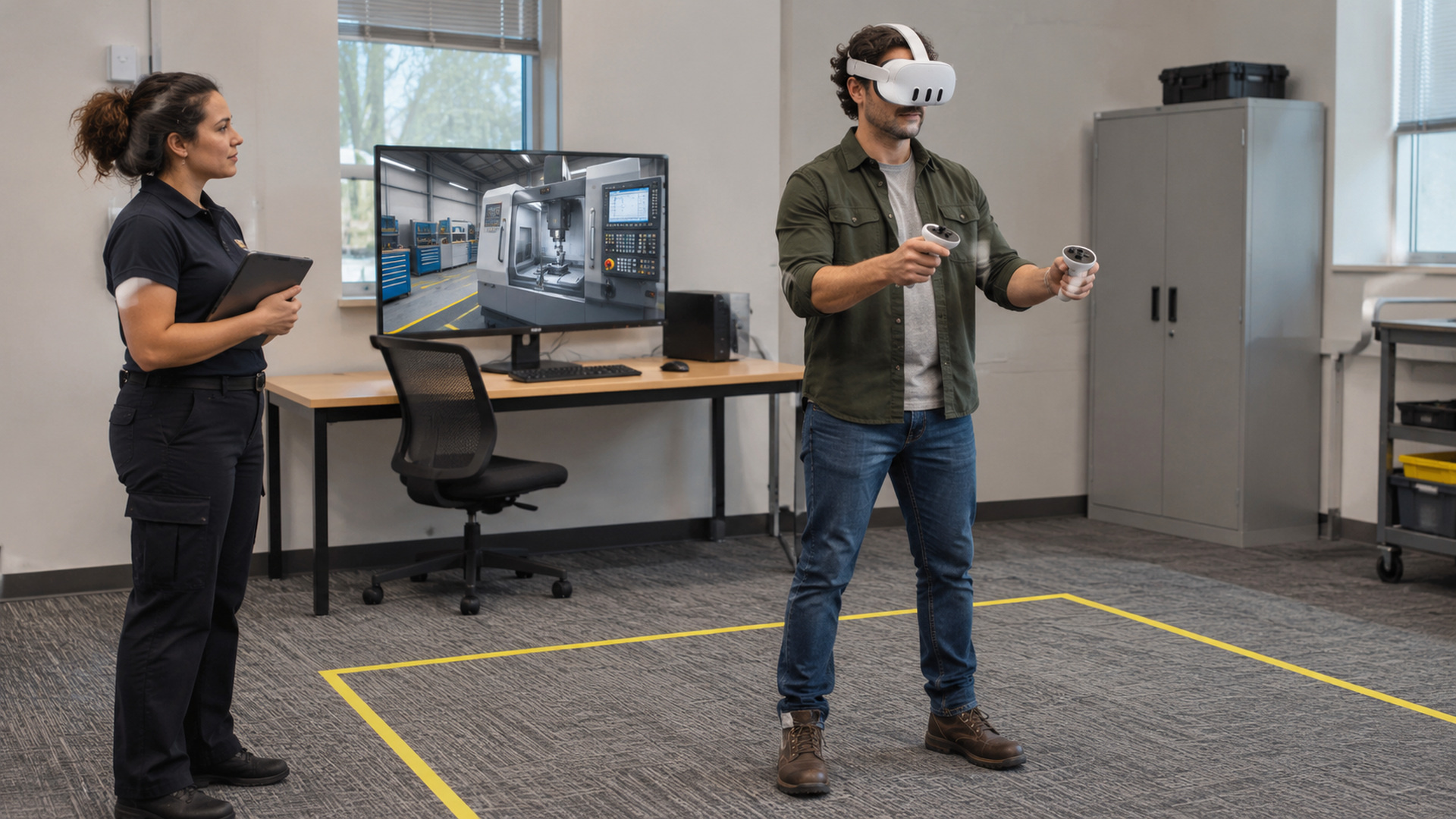
VR can represent situations that are difficult to arrange repeatedly in the real world. An application might ask a learner to identify a hazard, choose the next action or practise a sequence. The software can provide feedback and allow the participant to repeat a scenario without recreating the entire physical setup.
The word “safe” needs context. A simulated environment can avoid exposing a person to some real-world hazards during the simulated activity, but it does not make the physical play area risk-free. It also cannot replace all practical training, supervision, assessment or regulatory requirements. The organisation's qualified training and safety specialists should determine how a VR module fits into the wider programme.
Content accuracy is essential. Identify the subject-matter expert who will approve the scenario and the procedure it represents. If equipment, terminology or operating instructions change, the organisation needs a way to update the software and verify that deployed devices have the current version.
Decide what the application should measure before development begins. A completed scenario, a selected response or a time taken to perform a virtual action can be recorded if the system is designed and authorised to do so. Those measures are not automatically evidence of real-world competence. The meaning of results and any assessment thresholds need to be established by the responsible organisation.
Reviewing spaces and designs
A three-dimensional design on a monitor can be useful, but some spatial questions are easier to discuss when a person can look around from a human viewpoint. VR can support a review of a proposed room, equipment layout or product arrangement before a physical model is available.
The application should identify the design version being reviewed and what level of accuracy the model represents. A concept model may communicate general layout without including every engineering detail. A more detailed review may require verified dimensions, clearances or current design files. The project team should not mistake a visually polished scene for an approved construction document.
Consider the interaction needed for the review. Does the participant need to inspect one proposed arrangement, switch between options or explain a concern to a colleague? If measurements or annotations are required, define how they are captured, reviewed and exported. An application designed only for visual exploration may not provide reliable measurement tools.
Performance is a practical constraint. Detailed models often need to be prepared for real-time display on the target headset. The objective is to retain the details needed for the decision while maintaining a responsive experience. A development team should test representative scenes early rather than assuming a model that renders well on a workstation will run unchanged on a standalone headset.
Make the interaction understandable
A first-time participant should know what they can do, how to do it and how to finish. An application may use controllers, hand tracking, gaze or other input supported by the hardware, but the availability and reliability of a method can vary. Choose an interaction that fits the task and audience rather than adding gestures simply because they look novel.
For a public activation, a short guided introduction can reduce the amount of explanation required from a host. For a recurring workplace application, users may benefit from a more detailed tutorial and a way to revisit instructions. In either case, test with people who did not design the experience.
The physical environment is part of the interface. Clear the required space, consider seated alternatives where the software supports them, and provide supervision appropriate to the setting. Meta's shared-space guidance notes that headset users may not be fully aware of others nearby. Digital boundaries do not replace a suitable physical layout.
Comfort also depends on choices such as virtual movement, scene transitions, frame performance and session duration. People respond differently, so a project should include a way to stop, a clear introduction and testing with representative users. Follow the current guidance for the actual headset and application.
Choose the deployment model early
A prototype for one event and an application deployed across many sites have different requirements. A one-off activation may need a reliable offline build, a simple operator flow and a short support window. A multi-site application may need device management, version control, user access, support procedures and a plan for updates.
Decide whether the experience must run on standalone headsets, connect to a computer or support several device types. Hardware choices affect performance, setup, maintenance and the interactions available. If the application relies on a network, define what happens when connectivity is slow or unavailable.
Multi-user features introduce additional decisions. A shared virtual session may require user identity, synchronisation, voice communication and moderation. A local demonstration does not automatically become a dependable multi-user service simply because multiple headsets are present. Test the network and interaction model under the expected conditions.
For shared devices, define who installs the application, updates content, cleans equipment according to manufacturer instructions and provides first-line support. A technically successful build can still fail in practice if no one is responsible for the devices after launch.
Protect data and define ownership
A VR application may not need to collect personal information. If it does record user identity, interactions, assessment results, voice or other data, define the purpose and the minimum information required. Determine where data is stored, who can access it and how long it is retained. Obtain appropriate privacy and security advice for the deployment.
If the application includes a digital representation of a confidential site or product, access and distribution deserve particular attention. Decide which assets can be included on a headset, whether a connection is required to retrieve them and how access is removed when a device or user leaves the programme.
The project agreement should also address ownership and usage rights for source code, 3D models, audio, third-party assets and the finished application. Clarify which licences are included, what can be modified later and whether another supplier can maintain the product. These are commercial and technical questions that should be resolved before production is complete.
Support and maintenance need a similar definition. Headset operating systems, device availability and organisational requirements can change. Ask what post-launch support includes, how faults are reported and how updates or new hardware will be assessed. Do not assume a finished build will remain compatible indefinitely without review.
From business brief to workable scope
A strong brief identifies the audience, the business outcome and the action the user should take. It explains where the application will be used, how many people will use it and which devices are available or being considered. It also lists existing assets and the people who can approve technical and visual accuracy.
Define a minimum useful experience before adding optional features. For a product demonstration, that might be a single configuration with two meaningful interactions. For a training scenario, it might be one decision point and an agreed feedback mechanism. A focused pilot can test the central idea before a larger investment is committed.
Agree on review points and acceptance criteria. What constitutes a working build? Which devices and environments will be tested? How will performance, content accuracy and usability be assessed? What is included in the first release, and what would be a later enhancement? These questions make a proposal easier to evaluate.
The project should also include time for representative user testing. Observe whether a participant understands the task without coaching, can complete the interaction and knows how to exit. Record unexpected issues and decide which changes are essential before launch. A demonstration to the project team is useful, but it is not a substitute for testing with the intended audience.
Choose VR for the outcome
Custom VR can support product presentation, rehearsal and spatial review when those activities benefit from an immersive, interactive environment. Its value depends on the quality of the content and the practical ability to deliver and maintain it.
AltVR's VR software development service creates applications for marketing, training and professional workflows. If you have a specific use in mind, contact AltVR with the audience, intended task and deployment setting so the appropriate approach can be assessed.