
The future of virtual tours: from looking around to making informed decisions
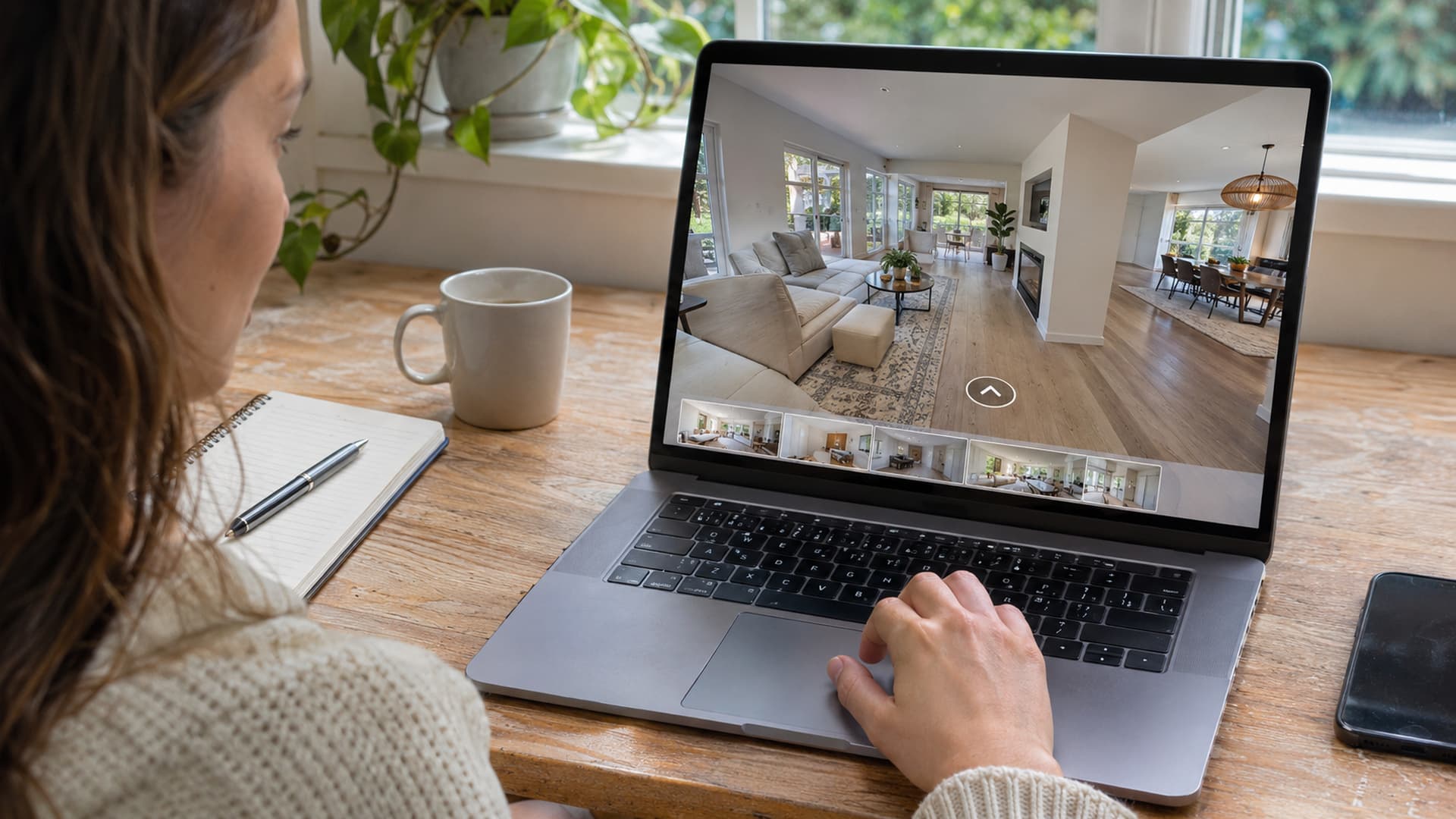
A virtual tour can let someone explore a property, venue or facility without travelling to it. The familiar starting point is a set of connected 360° views: a person looks around, selects a navigation point and moves to another position. The value of that experience increases when it helps the viewer answer a real question about the space.
The next opportunity is not simply to add more hotspots or make every building look more futuristic. It is to connect a clear visual experience with useful information, accessible navigation and the decisions people need to make. For a venue, that might mean understanding the relationship between rooms. For a property, it may mean deciding whether to arrange a viewing. For an organisation, it could be helping visitors orient themselves before arriving.
The future will not look the same for every project. A small location may need a fast, dependable browser tour. A complex facility may need additional information, controlled access or a model prepared for a specific workflow. The common principle is to choose the level of technology that supports the intended decision.
A virtual tour is an experience, not only a set of images
A 360° image captures a view in multiple directions from one position. In a tour, several views can be connected so that the visitor moves from one capture point to another. Additional elements may include labels, images, floor plans, audio or links, depending on the platform and project.
A navigable tour is different from a conventional video. The viewer can usually choose where to look and which connected viewpoint to visit next, subject to the navigation provided. It is also different from a fully interactive VR application in which a user may be able to move freely, manipulate objects or alter a simulated environment. Some platforms combine techniques, so the actual capabilities should be confirmed in the brief.
The starting question is what the viewer needs to do. If the objective is to assess whether a venue suits a conference, the tour should make the relevant rooms and their connections easy to find. If the objective is to introduce a facility to new visitors, it should help them recognise an entrance or understand where a journey begins.
A collection of beautiful rooms without a clear route can still leave a viewer disoriented. Conversely, a simple tour with well-chosen capture points and clear movement can communicate a great deal. The quality of the experience depends on capture and navigation as well as the attractiveness of the subject.
Remote access is the beginning, not the entire benefit
One obvious benefit is allowing people to see a space before they travel. This can be useful for out-of-town visitors, event planners comparing venues or prospective occupants with a shortlist of properties. It does not remove the need for an in-person visit in every situation, and a tour should not be presented as a guarantee that the space meets a particular requirement.
A useful remote experience answers practical questions honestly. Where is the main entrance? How do the rooms relate? Is the area open-plan or divided? What does the visitor see when moving from one part of the venue to another? The appropriate questions depend on the purpose and the audience.
For changing spaces, recency matters. A tour captured before a refurbishment or change in layout may no longer represent the current venue. Record when the capture was made, define what will be updated and identify who checks the accuracy of accompanying information.
Useful information should support the view
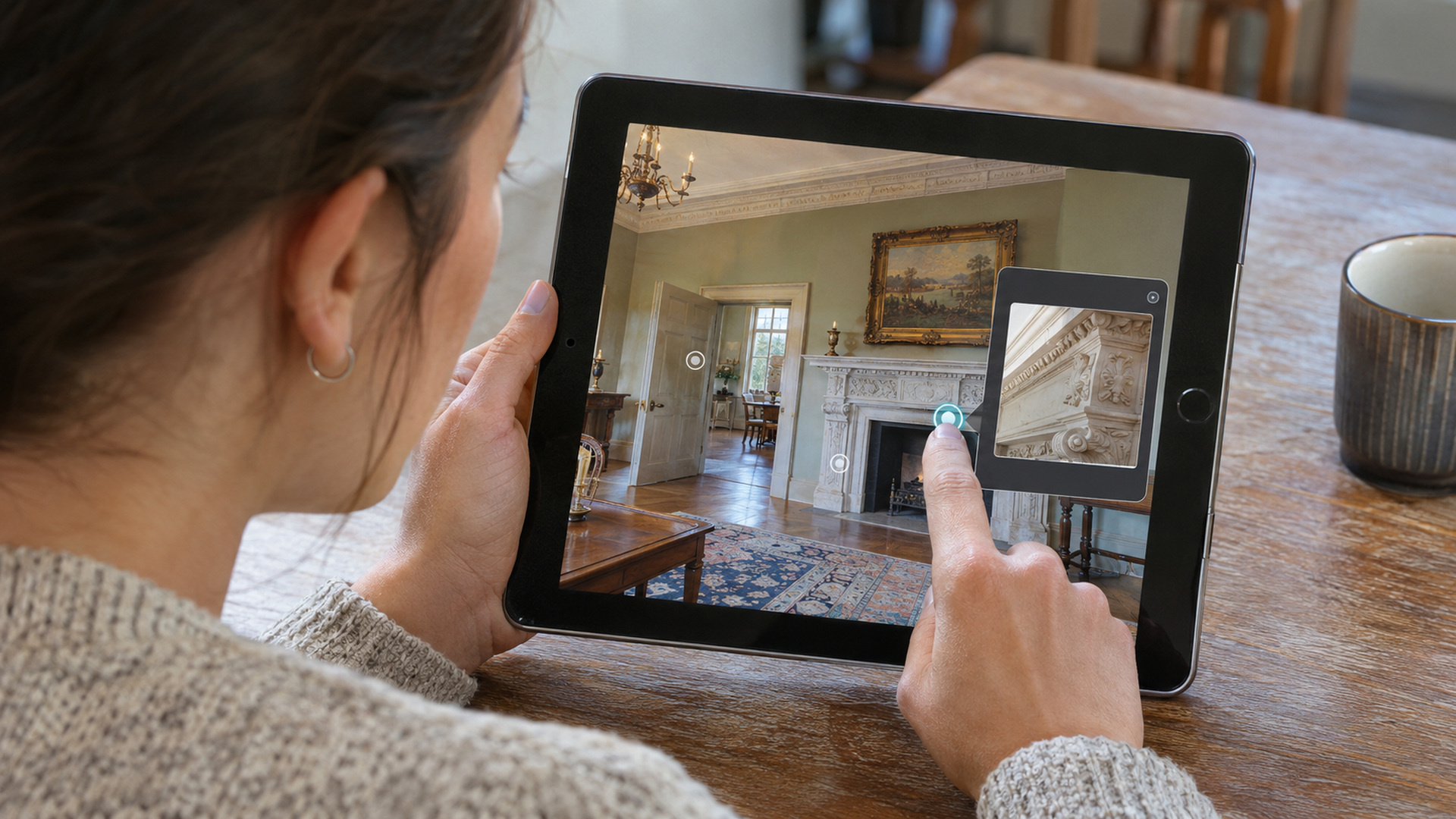
Interactive points can attach details to a location, but every additional element competes for attention. A tour with too many labels, pop-ups or automatic animations can become harder to navigate. Start with the questions the viewer is likely to ask and add information that helps answer them.
A venue tour might include the names of key spaces, a link to a booking enquiry and a floor plan where one is available and approved. A property presentation might provide a concise description of a feature and a way to request further details. A facility orientation might explain a visitor process without exposing sensitive operational information.
A hotspot should make its purpose clear before the visitor opens it. It should also be possible to close the content and return to the same orientation without losing track of the route. On a phone, the control needs to remain easy to select and read on a smaller screen.
Spatial data and visual accuracy are different things
The phrase “digital twin” is sometimes used for many kinds of spatial presentation. A realistic-looking virtual tour may be based on panoramic photographs, a three-dimensional model or a combination. Those formats do not necessarily offer the same level of measurement, live data or technical accuracy.
If a project requires measurements, ask how they are obtained, what tolerances apply and whether the intended use is appropriate. A visual preview can help someone understand a room, but an estimate taken from an image should not automatically be used as a certified measurement for construction, safety or accessibility compliance.
Similarly, a tour of a facility is not automatically a live representation of its current condition. A system connected to operational data requires its own integrations, permissions, update processes and security controls. A static capture taken at a particular moment may be the right solution for marketing or orientation without making any claim to real-time status.
Agree on the language used to describe the result. If it is a photographic tour, say so. If a 3D model, measurement feature or data integration is included, define what it actually does and how its limitations will be communicated. Clear descriptions make it easier for the client to choose and maintain the right system.
Different capture methods fit different decisions
A production may use a specialised 360° camera, panoramic photographs assembled from a conventional camera, a spatial scanning system or a combination. The right method depends on the scene, required detail, timing, movement, output and budget. No single camera or platform is best for every location.
A high-detail architectural interior may justify careful preparation and a capture approach designed for fine visual detail. A large venue with many spaces may require a balance between capture speed and the level of detail viewers need. A project using spatial scanning may offer particular navigation or measurement features, but those features and their accuracy should be checked for the selected system.
Movement and reflective surfaces can complicate capture. A busy public space, mirrors, glass and changing light can make it harder to create consistent imagery. The team should agree on the capture window, site preparation and how people or sensitive information will be handled. A technically capable camera cannot compensate for a location that has not been prepared for its intended use.
Ask for a representative test or examples of the proposed approach where possible. Review the result on the devices your audience will use, including a typical mobile phone. Large source files do not guarantee that the published tour will be quick to load or visually clear on a smaller connection.
The phone and the headset are different viewing contexts
Many people will first encounter a tour on a phone or desktop browser. Others may use a headset for a more immersive view. These experiences should be tested separately. A control that works with a mouse may be difficult to tap on a small screen, and a hotspot placed comfortably on a monitor may be awkward to select in a headset.
A browser-based tour should make its navigation discoverable without a long tutorial. A visitor needs to understand how to look around, move to another position and return to a previous view. Provide a clear way to exit an overlay or contact the business without losing the tour entirely.
For headset use, consider how the user enters and exits the experience, the physical space in which it is viewed and the comfort of transitions between positions. Not everyone can or wants to use a headset. An accessible desktop or mobile option can allow more people to engage with the same location.
Accessibility and trust will shape adoption
A virtual tour can improve access to information, but visual navigation alone will not meet every user's needs. Consider keyboard operation where supported, readable controls, sufficient contrast, descriptive alternatives and a way to obtain the same essential information without relying on a 360° view. The appropriate accessibility measures depend on the platform and audience and should be tested with users.
A tour can also help someone assess a location's accessibility, but it is not a substitute for a verified accessibility statement. A camera angle may not reveal a step, door width or temporary obstruction. If the project makes accessibility claims, obtain and maintain the underlying information from the responsible organisation.
Privacy and security should be considered before capture. An image may include a person, a vehicle registration, a screen, a document or a sensitive area. Establish which areas can be filmed, what approvals are needed and how material will be reviewed before publication. A restricted facility may need an access-controlled experience rather than a public link.
The audience should be able to trust what the tour represents. If a space is staged, proposed or digitally altered, describe it accurately. If areas are omitted or the capture is old, avoid implying that the tour is a complete current record. A clear explanation supports better decisions than an impressive but ambiguous presentation.
Where connected experiences may add value
A tour can be a starting point for other interactions. A visitor might move from exploring a venue to requesting a quote, reviewing an approved floor plan or contacting a team. A property viewer might use the tour to identify questions for a viewing. These connections should be useful and proportionate, not a series of interruptions.
More advanced applications may integrate a tour with a booking system, information database or interactive model. Such a project needs a clear owner for each data source, defined permissions and a plan for what happens when an external service changes or becomes unavailable. The presence of a hotspot does not mean an integration exists behind it.
Analytics can help a team understand broad patterns, such as whether visitors reach an important room or abandon a tour before a contact step. Any collection should have a defined purpose and comply with applicable privacy requirements. A high number of views alone does not establish that the tour increased bookings or sales.
Plan for the life of the tour
Before capture, define the audience, locations, key viewpoints, publication destination and desired follow-up action. Agree which rooms must be included and which areas should remain private. Identify the people responsible for access, site preparation, content approval and ongoing updates.
Clarify deliverables and ownership. Ask what files are provided, where the tour is hosted, whether it can be embedded, what recurring fees apply and what happens if hosting ends. If a third-party platform is used, review its current terms and confirm which features are included for the intended use.
Test the final tour before publication. Walk through it as a first-time visitor on desktop and mobile, and use a headset if that is part of the scope. Check navigation, image quality, loading, links, contact details and alternative information. Review the same items after significant changes to the space or platform.
The future of virtual tours lies in useful, trusted access to a place. Better capture, interactive information and connected workflows can support that goal when they are selected deliberately and maintained over time.
AltVR's virtual tours service creates interactive presentations of spaces for remote viewing. Contact AltVR with the location, audience and questions the tour should help answer to discuss an appropriate approach.