
Seven misconceptions about VR events that can undermine an activation
Virtual reality can turn a corporate gathering, exhibition or education event into an experience people actively participate in. Guests might explore an unfamiliar environment, interact with a product or take part in a short challenge. The headset attracts attention, but the commercial value depends on what happens before, during and after each session.
Many event teams have seen a VR demonstration without having planned one themselves. That can lead to reasonable but misleading assumptions about equipment, space, content and staffing. A headset may be easy to put on, but a successful activation also has to fit the venue, audience and event schedule.
Here are seven misconceptions worth examining when planning a VR event in South Africa, and the decisions that can turn a memorable moment into an experience with a clear purpose.
Misconception 1: The headset is the whole experience
A headset is the display and interaction device. It does not, by itself, explain your message, make the content relevant or create a comfortable introduction for a first-time user. The experience also includes the virtual environment, interaction design, audio, physical setup and the support around the participant.
For a product launch, the purpose might be to let guests explore a feature they could not easily see on a physical display. At a training showcase, it might be to demonstrate a decision-making scenario. In an entertainment area, a short game could be designed to make guests laugh and take part together. These are different outcomes, even if the same type of headset is used.
Start by describing the action you want a participant to take and what they should understand or feel afterwards. Then decide whether VR is the best way to achieve that action. If the experience is only a disconnected novelty, guests may remember wearing a headset without remembering why it was there.
The arrival and exit matter too. A clear welcome, a short explanation of the controls and a useful follow-up can make the activity easier to understand. Consider what a host will say to the next guest while the current participant is finishing, and how visitors will find the next step after removing the headset.
Misconception 2: Every event needs a custom VR application
Custom development is useful when an experience needs a specific environment, interaction, message or operational requirement. It can be appropriate when a company wants to demonstrate a product that is difficult to transport, recreate a process or build a branded scenario around a particular audience.
A custom build also requires a clear scope, development time, testing and agreement on what the application must do. A detailed brief is especially important when the event has a fixed launch date or when content must be reviewed by legal, safety or brand teams. Last-minute changes can affect quality and delivery.
A suitable existing experience may be a better choice when the objective is general entertainment or an accessible introduction to VR. It can reduce the amount of new content that must be created, but it should still be assessed for audience fit, session length, licensing and event conditions. Availability and permissions should be confirmed for the specific title and event.
The choice is not simply “custom is better” or “ready-made is cheaper”. Ask whether the existing experience delivers the desired message and whether its commercial-use terms cover your planned activation. If it cannot demonstrate the specific feature or scenario central to your event, a bespoke approach may be justified.
Misconception 3: A small empty corner is enough
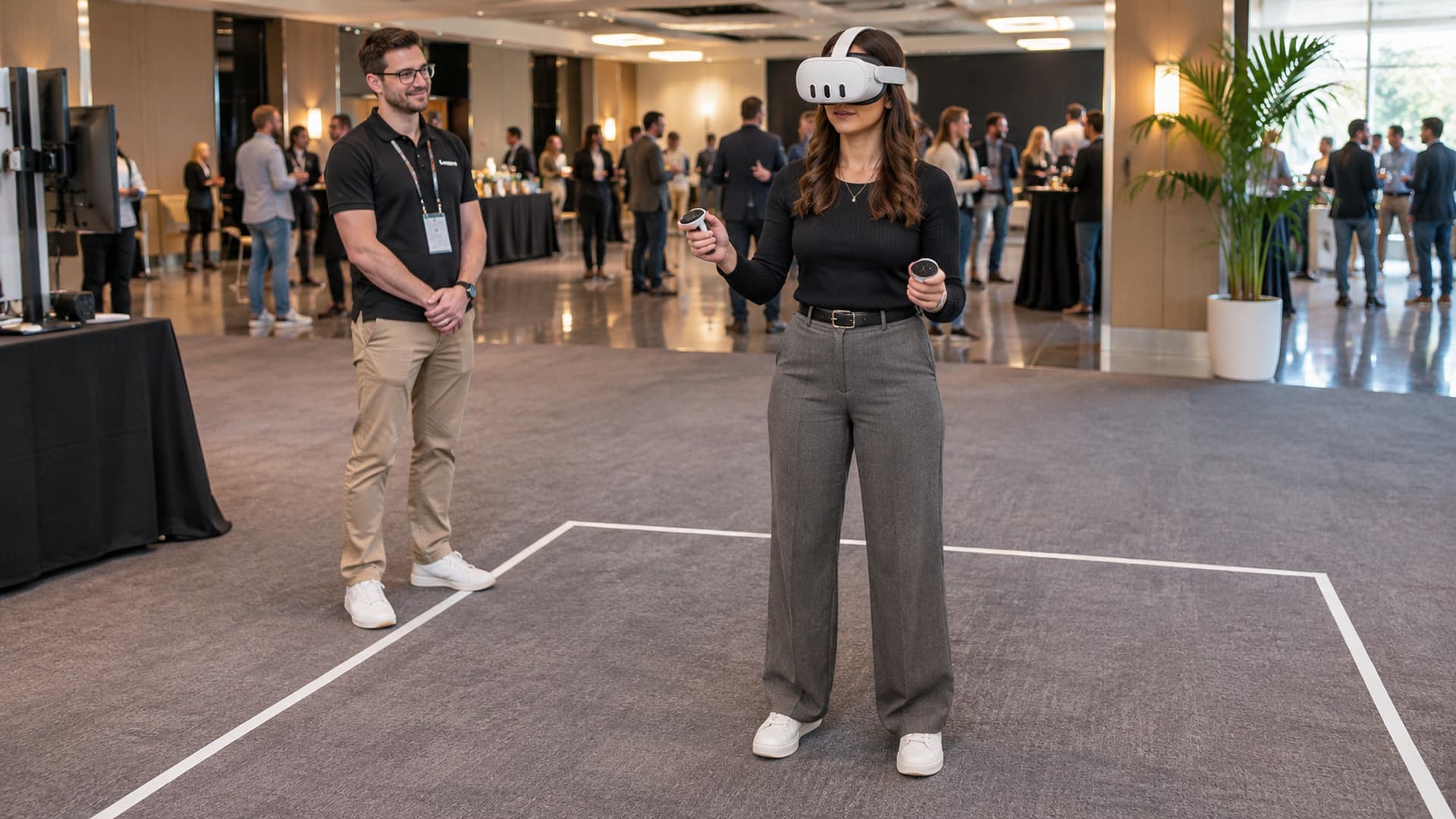
Space is more than the footprint of a headset wearer. A participant may turn, reach, bend or take steps depending on the experience. The team also needs room for a host, access to equipment and a way for waiting guests to observe without entering the active area.
AltVR's event service information recommends a minimum of two metres by two metres per setup for interactive engagement, with more room for experiences involving greater movement. Treat that as an initial planning figure rather than a guarantee that every application will fit. The actual area must suit the software, device guidance, participant movement and event layout.
Meta's shared-space guidance notes that people using headsets may not be fully aware of others nearby. A digital boundary is a useful aid, but it is not a substitute for keeping the physical area clear and providing appropriate supervision.
Ask the venue for a floor plan and identify pillars, steps, cables, nearby doors and circulation routes. A participant concentrating on a virtual task should not share an unmarked movement area with guests crossing to a bar or entrance. Physical barriers or an agreed clear zone may be appropriate for the layout.
A seated experience can reduce movement requirements, but it still needs a stable seat, comfortable access and room for the participant's arms. Confirm whether the content supports seated use rather than assuming any application can be operated that way.
Misconception 4: More headsets automatically solve queues
Adding stations can increase capacity, but the number of participants served depends on the entire cycle. A host needs to welcome a guest, explain the activity, adjust the headset, run the experience, assist with exit and prepare the equipment for the next person. Each of these steps consumes time.
As a planning illustration, suppose an activity takes four minutes and setup and changeover take another two. One station has a theoretical maximum of ten sessions per hour if it runs continuously. That is not a promised event throughput. Breaks, technical checks, guests needing help and uneven arrivals can reduce the actual figure.
Multiple stations may require more staff, power, space and a clearer queue layout. They can also create noise or crowding if each operator needs to explain controls at the same time. If guests arrive in waves between presentations, the peak demand may matter more than the average attendance across the full event.
Decide whether the experience should be available throughout the event, run in scheduled slots or operate as a hosted competition. A visible waiting area and a realistic session length can help guests decide whether to join. If the activity is tied to a keynote or product reveal, align the opening and closing times with the rest of the programme.
Misconception 5: VR always makes people uncomfortable
Comfort differs between individuals and experiences. A participant's response can be affected by the type of movement in the application, the fit of the headset, visual performance, session duration and their own preferences. It is inaccurate to claim that everyone will feel unwell, and equally inaccurate to promise that nobody will.
For an event with many first-time users, consider experiences with clear instructions, comfortable pacing and limited unexpected virtual movement. Test the intended content on the actual hardware before the event. Ask whether the participant can stop easily and whether the host can recognise when someone wants assistance.
Make participation voluntary. Explain the nature of the experience and relevant device guidance before someone puts on a headset. Offer a non-headset way to engage where practical, such as a screen showing the experience or a conversation about the same product. This also helps guests who prefer not to participate for personal, accessibility or health reasons.
Follow the headset manufacturer's current health and safety instructions and the event's own policies. Do not present VR as a substitute for medical guidance, and do not pressure a guest who feels uncomfortable to continue. A shorter, positive interaction is more useful than a longer session a participant wants to end.
Misconception 6: The venue's Wi-Fi and lighting will take care of themselves
Some standalone VR experiences can run locally without an internet connection. Others may require connectivity for multiplayer interactions, online content, account authentication, analytics or updates. Determine what the specific application needs rather than assuming every headset is either always online or completely independent of a network.
If networking is required, ask about the number of devices, expected traffic, local connectivity and what should happen if the internet fails. A Wi-Fi standard on its own does not guarantee low latency or reliability. Interference, network configuration, backhaul capacity and the number of users can all affect performance.
Lighting also affects the physical setup. Meta's controller guidance identifies direct sunlight and high-intensity lighting as conditions that can affect controller tracking. Meta advises against outdoor headset use in its hand-tracking guidance. Check the requirements for the actual device and application, and avoid promising that any lighting condition will work.
Agree on power locations, cable routes and a safe way to manage charging between sessions. Protect the play area from loose leads and keep public walkways clear. Test the intended setup at the venue where possible, including audio, tracking, network access and any external display.
Misconception 7: Cleaning and supervision are optional extras
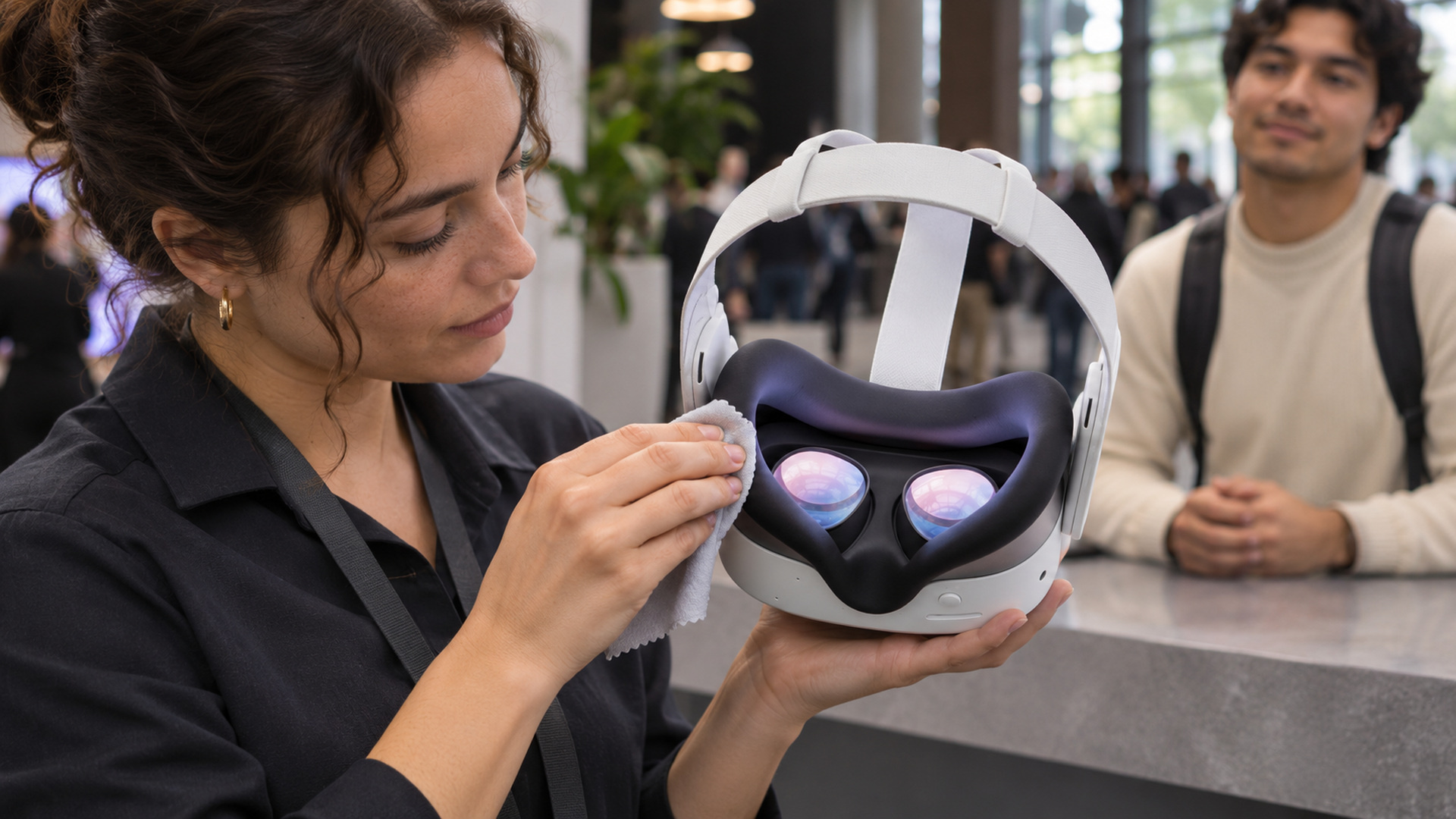
Shared headsets touch faces and pass between people. The event plan should explain who prepares the equipment between users, which cleaning materials and methods are permitted by the manufacturer, and how replacement or removable facial interfaces will be managed. Allow this changeover time in the schedule.
A host also helps with practical matters: fitting the device, explaining how to begin and end, observing the participant and keeping the space clear. The host is not a guarantee against every incident, but clear responsibility is better than assuming another team member is watching.
Plan for a pause if a headset needs attention. Identify a safe place for equipment, spare supplies and charging, and make sure operators know how to stop the experience. Brief venue and event staff on the location of the active area and how it interacts with the surrounding programme.
If younger participants may attend, confirm the headset manufacturer's current age requirements and the experience's suitability before the event. Event organisers should also consider their own consent, supervision and safeguarding processes where relevant.
Build the activation around a measurable objective
A useful event brief describes the audience, location, duration, expected attendance and business goal. It also explains whether the activity is meant to create awareness, support a conversation, demonstrate a product or entertain guests. Different goals call for different content and measures.
Choose a small number of indicators that can actually be observed. These might include completed sessions, peak waiting time, participant feedback or the number of guests who choose to speak to the team afterwards. Define how the information will be collected and what consent or privacy requirements apply. Do not assume that a headset session automatically creates a sale or guarantees brand recall.
Ask the provider what is included in the proposal: hardware, content, setup, operators, cleaning supplies, power and connectivity requirements, transport, rehearsal and support during the event. Clarify what the venue and organiser must provide and how changes or additional hours are handled.
A realistic rehearsal can reveal a confusing instruction, an unsuitable session length or a queue that blocks a neighbouring stand. Test with someone unfamiliar with the experience, not only the people who helped design it. Their questions will show where the introduction needs work.
Make the technology serve the event
The strongest VR activation is not necessarily the one with the most equipment or the longest experience. It is the one that fits the audience, delivers a clear purpose and works within the real conditions of the venue.
AltVR's virtual reality events service covers bespoke experiences and equipment rental for corporate, entertainment and education events. If you are developing a brief, start with your venue, audience, dates and the outcome you want guests to take away. You can contact AltVR to discuss an approach that fits those requirements.