
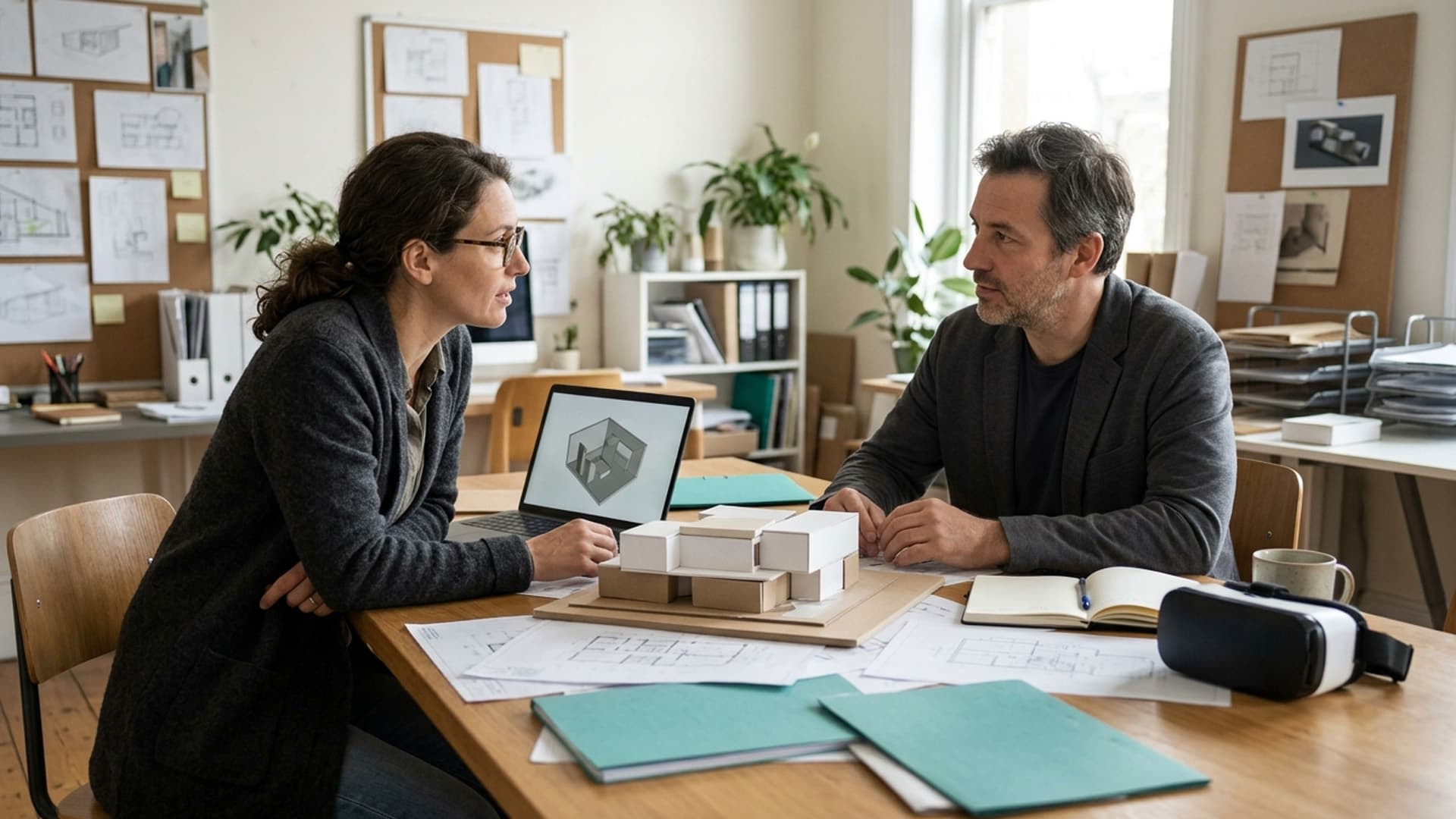
A shared virtual space needs a reason to be a meeting place. If the session consists only of listening to a presentation, an ordinary call may be simpler. If people need to inspect a spatial proposal together, compare arrangements or work around a shared object, a virtual environment may have a clearer role.
Define the meeting by its output: a decision, a marked-up proposal, a prioritised list or an agreed next step. Then design the session around producing that output. Choosing avatars and surroundings before agreeing the purpose can leave a team with a memorable setting and very little usable work.
Identify the advantage of sharing a space
Ask what the group needs to understand together that is difficult to communicate in the current format. A spatial review might benefit from people discussing the same part of a model. A workshop might benefit from moving ideas into visible groups. Neither benefit should be assumed simply because the meeting happens in a virtual environment.
Describe the task without naming a platform. For example, the group needs to compare two layout options and record why one better supports a particular activity. That description makes it easier to evaluate whether a virtual room actually helps.
If no meaningful spatial or interactive requirement emerges, keep the simpler meeting format. Selecting the appropriate tool is a better outcome than creating a virtual venue that adds steps without improving the discussion.
Write an agenda around participant actions
Replace broad agenda items such as "explore the environment" with actions that serve the objective. Participants might inspect an agreed area, identify a concern, compare an alternative and record a recommendation. Each step should explain what people need to do.
Separate orientation from the working session. First-time users need to learn how to join, communicate and leave without feeling that they are delaying the decision-making group. Provide a short opportunity to test access before the important conversation begins.
Give the facilitator permission to simplify. If an interaction becomes a distraction, the group should still have a way to complete the underlying task. The meeting objective matters more than demonstrating every feature available in the platform.
Confirm access before sending the invitation
List the supported participation methods and test them. Do not assume that a platform's headset, desktop and browser experiences provide identical controls. Confirm that the functions needed for this meeting are available through each intended route.
Ask participants about access needs in advance and provide an appropriate alternative. The W3C XR Accessibility User Requirements highlights needs involving different input methods and ways of receiving information. Use it as a prompt for practical questions, not as proof that a chosen platform meets every need.
An alternative participant should still be able to contribute to the decision. A passive screen share may be useful in some circumstances, but it is not automatically equivalent to full participation. Explain any limitations honestly and adjust the workshop method where necessary.
Use a shared object that people can understand
Prepare the model, scene or material the group will discuss. Remove unnecessary detail and make the relevant options easy to distinguish. A complicated environment can consume attention that should be directed towards the issue under review.
Agree how people will identify a location or component. Depending on the system, this might involve labels, viewpoints or a facilitator highlighting the relevant object. Verify the method rather than relying on vague instructions such as "look over there".
If the session depends on custom behaviour or an existing model, discuss those requirements with a developer. AltVR's virtual reality software development service is relevant to that conversation. Do not assume that a general-purpose meeting product already includes the specialist review functions you need.
Assign facilitation and technical support separately
The person leading the discussion should not have to troubleshoot every microphone or connection problem while also recording decisions. Even in a small group, identify who can help with access and who keeps the session focused.
Set expectations for speaking and asking questions. Some participants will be more confident with the controls than others. The facilitator should ensure that technical fluency does not become the basis for whose ideas receive attention.
Use clear transitions between looking, discussing and deciding. Constant movement through the environment can make it hard to know whether the group is still exploring or has reached a conclusion. A simple verbal summary at each stage helps keep everyone working on the same question.
Keep the decision record outside the experience
Agree where the final output will live before the meeting. It might be a short document, a marked-up image or another format that participants can access afterwards. Check the platform's actual export options if you intend to rely on them.
Do not assume a virtual whiteboard, recording or annotation will remain available indefinitely. Confirm ownership, access and retention with the responsible people. Important decisions should not be trapped in a room that nobody can reopen.
At the end of each agenda item, state the conclusion and the unresolved questions. Have someone record them in the agreed place. This makes the meeting useful to colleagues who could not attend and creates a reference for the next stage of the project.
Make privacy and content boundaries explicit
Review what material may be brought into the virtual environment. A confidential design, customer record or internal plan may need different handling from public presentation content. Ask the organisation's responsible team to review the proposed tool and data flow.
Clarify whether the session will be recorded, who can enter and who can access material afterwards. Avoid treating a private-looking virtual room as evidence of a particular security arrangement. Check the actual settings and contractual provisions.
Limit personal information and unnecessary tracking. The aim is to support collaboration, not to collect information simply because the platform offers a feature. Where requirements are uncertain, involve the appropriate technical, privacy or legal adviser before using sensitive material.
Rehearse the failure path as well as the ideal session
Decide what happens if a participant cannot join, audio fails or the shared material does not load. Provide the alternative link, document or contact route in the invitation so that the group does not need to invent a plan during the meeting.
Test the transition to that alternative. Can the group still see the proposal and record a decision? Does someone know how to continue the conversation? The fallback should preserve the objective, even if the immersive element is temporarily unavailable.
Keep the first session modest in scope. A focused review provides a clearer basis for learning than a large meeting with several unfamiliar tools. Record the friction points and improve the next session rather than interpreting every first-time difficulty as either total success or total failure.
Evaluate what the meeting produced
Afterwards, ask whether the group reached the intended decision and whether the shared environment contributed something useful. Consider the preparation and assistance required, not just the response to the visual setting.
Ask participants what they could understand, what they could not do and which parts should change. Compare this with the simpler format you would otherwise have used. The goal is a better working method, not a claim that every meeting belongs in a metaverse.
For a custom collaborative experience, contact AltVR with the task, participants, content and required output. Start with the work people need to complete together. The virtual space earns its place when it helps them do that work clearly and inclusively.