
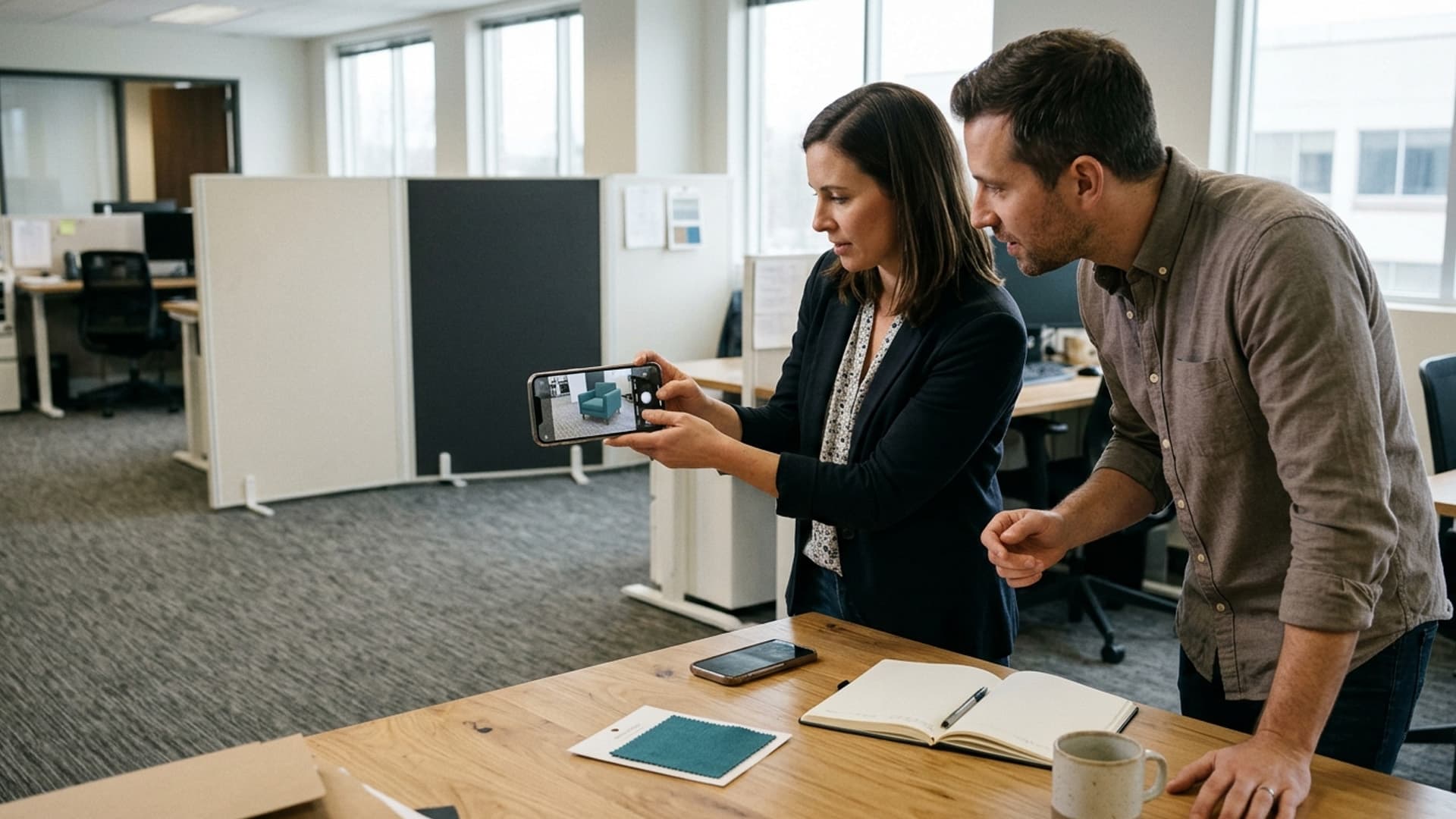
A mobile AR product demo can work well for an intended audience, but it should not depend on every visitor owning the same phone or using the same browser. Plan for a supported AR experience and a useful alternative when AR is unavailable. The customer should still be able to understand the product and take the next step.
The important question is not simply whether the demonstration works on the developer's phone. It is whether the whole journey works on the devices customers are likely to use, including the moments before AR starts and after it closes.
Define what the customer needs to learn
An AR demonstration should answer a product question. A visitor may want to judge how a chair occupies a room, inspect the shape of a component or compare finishes. Write that question down before choosing a technical approach.
Keep the promise specific. A visual placement preview can help someone understand an object, but it should not be presented as a guarantee of exact fit or colour under every condition. Customers may still need dimensions, specifications and advice from the product team.
Decide what remains visible outside AR. The product name, key information and enquiry route should not disappear behind an effect that some visitors cannot open. A demonstration supports the buying or evaluation journey; it should not become a gate that blocks it.
Build a practical compatibility list
Use available audience information to identify important device and browser combinations. Include phones that reflect actual customers, not only the newest models in the office. Record the operating system, browser and whether the link is opened from a normal browser or another application's built-in browser.
Agree a supported set for release and state how other visitors will be handled. This is more honest and testable than a claim that the experience works on every phone. Keep the list with the project records so future updates can be checked against it.
If audience information is limited, acknowledge that uncertainty and choose a representative test set with the developer. Add real support feedback after launch. Do not turn an initial assumption about device ownership into a permanent promise.
Understand that mobile AR can take different routes
For a concrete example, the model-viewer AR examples describe WebXR, Scene Viewer and Quick Look modes. They also explain that custom webpage content does not automatically carry into the native Scene Viewer and Quick Look applications.
This is why a control that works in one implementation may not appear in another. Ask the developer to demonstrate the intended behaviour on each supported route. Do not approve the journey from a single screen recording.
The choice of implementation should follow the product task, audience and maintenance requirements. AltVR's augmented reality software development service is a relevant place to discuss these requirements without assuming that one framework or distribution method suits every project.
Make the non-AR version useful
A fallback is not just an error message. It could provide product photographs, an interactive 3D view where supported, dimensions and the same enquiry or purchase route. The visitor should understand that there is still a useful way to evaluate the product.
Write the fallback message in ordinary language. Explain that the AR preview is unavailable on the current device and offer the next useful action. Avoid exposing raw technical errors or telling customers to change settings without knowing whether that will help.
Test the fallback deliberately. It is easy for a team to focus on successful AR launches and never inspect the unsupported path. Ask someone outside the project to complete the product task without entering AR at all. Their experience is part of the release quality.
Prepare the product model for this job
The asset needs an approved appearance, sensible detail and a known scale. Supply the product team’s dimensions and reference photographs, then review the model in the intended viewing environments. A beautiful rendering from another project may need preparation before it is suitable for mobile delivery.
Prioritise the details the customer needs to understand. Excessive detail can add work and file weight without answering the product question. Removing an important handle, connector or surface distinction, however, may make the preview misleading.
Agree how variants will be represented. A finish choice, component change or different product size may require separate content and testing. Keep the displayed product information aligned with the model rather than allowing the webpage to describe one variant while AR shows another.
Guide the first moments clearly
Explain what will happen when the visitor opens AR. Where permissions are required by the chosen implementation, the request should make sense in context. Avoid an unexplained prompt immediately after someone lands on the product page.
Give short, relevant instructions for placing or viewing the object. Do not cover the screen with a lengthy tutorial before the customer has seen anything useful. Observe first-time users to learn which instruction is genuinely needed.
Provide a clear route back to the product page and check what information survives that return. The customer should not have to repeat a search or guess which variant they were viewing. These small continuity details can matter more than an additional visual effect.
Test ordinary conditions, not only ideal ones
Run the demonstration in the kinds of spaces customers may use. Include different lighting, surfaces and available room. Follow the developer's guidance on the selected implementation, and observe where people struggle without promising that tracking will behave identically everywhere.
Test loading from the published delivery route on representative connections. Check the first visit, not just repeated visits after files have already loaded. A clear loading state and a usable alternative help the journey remain understandable.
Avoid asking people to walk backwards or focus on a screen in an unsuitable space. Keep the interaction simple and provide an obvious way to stop. A product demonstration should fit the environment the customer has, rather than demanding an elaborate setup that was never explained.
Check the whole enquiry journey
After using the preview, can the visitor ask about the correct product? Does the contact route identify the relevant variant? Are specifications still easy to find? Test these steps alongside the immersive component.
Do not assume analytics prove understanding. A launch event shows that someone started a feature, not that they reached the intended conclusion. Combine proportionate usage information with direct usability observations when evaluating the demonstration.
Decide what information the implementation collects before release. Ask the supplier to explain any third-party services, permissions and data flows. Keep the published privacy information consistent with the actual system, and seek appropriate advice where requirements are unclear.
Plan for updates and support
Assign someone to own product information and someone to own technical maintenance. When a model, browser or operating system changes, the supported journey may need another check. Maintain a record of the tested release rather than assuming the original approval remains sufficient indefinitely.
Provide a way for customers to report a problem without sending unnecessary personal information. A device and browser description can be more useful than a vague report that AR did not work. Make the fallback available while an issue is investigated.
Before commissioning, contact AltVR with the product, audience, desired customer action and existing assets. Ask for a proposal that covers supported devices, alternatives, testing and updates. The goal is a dependable product explanation with an AR option, not a feature that only works during the sales demonstration.