
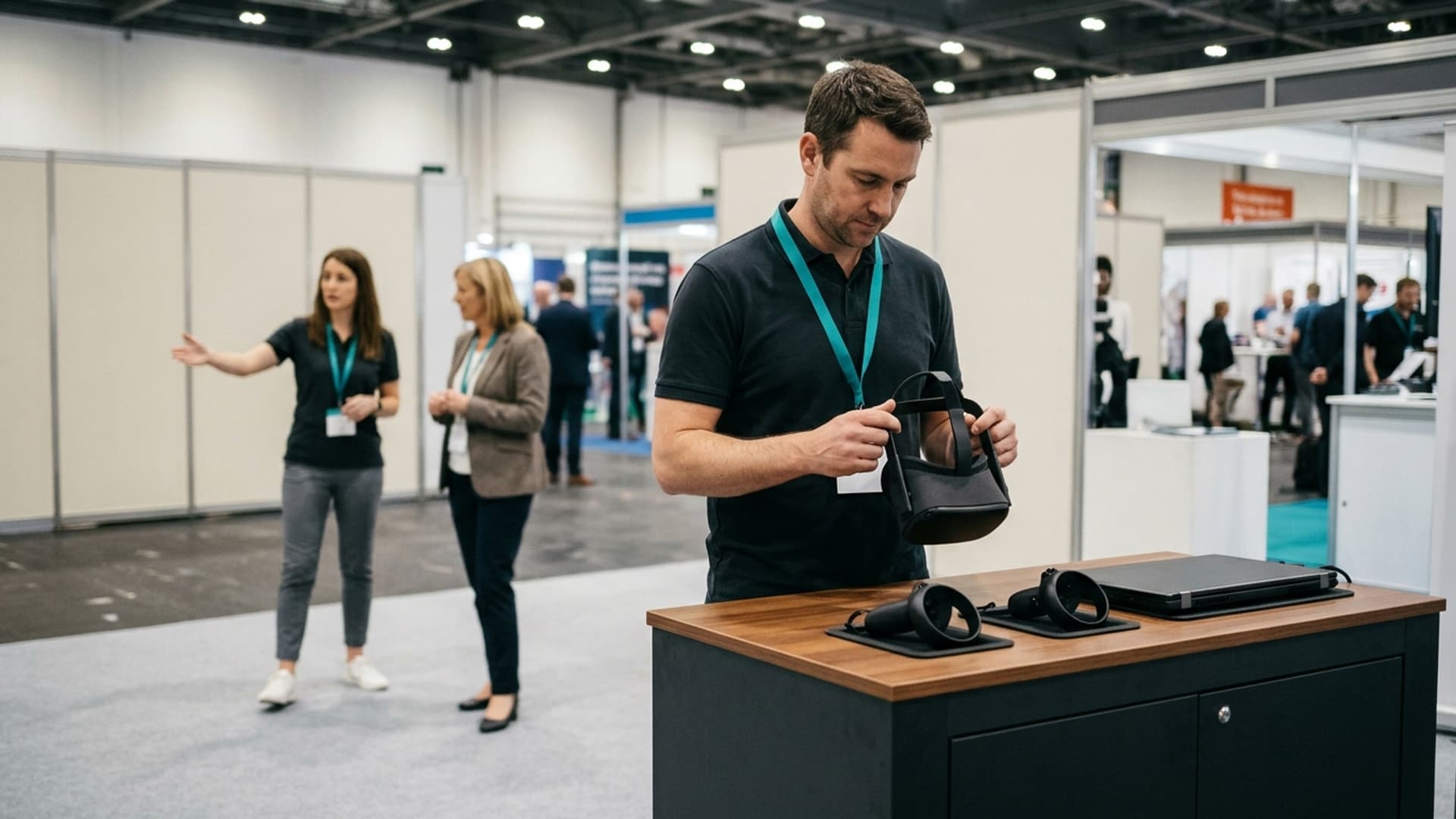
A VR event session is not finished when the visitor removes the headset. The application must return to its starting state, equipment must be ready for the next person and the operator must know that the station is safe to hand over. That reset deserves a place in the plan from the beginning.
Treat the complete visitor cycle as the unit of work: welcome, orientation, fitting, experience, exit and reset. Planning around the video or application runtime alone can create unrealistic expectations about staffing and the number of visitors a station can accommodate.
Define what ready means
Write a short description of a ready station. The correct application is open, the opening scene is visible, the controllers are available and the operator can start a new session without calling the developer. Equipment care and the physical space have also been checked.
Include the details specific to the experience. A language choice may need resetting. A previous user's result may need clearing. A product configuration may need returning to the agreed default. These are easy to overlook if testing always involves the same team.
Make readiness observable. Instead of "the headset should be fine", specify what the operator checks. A clear opening screen, expected audio and working input provide a more useful handover than an assumption based on the previous session.
Separate application reset from equipment preparation
Application reset concerns the software state. Equipment preparation concerns the headset, controllers, accessories and surroundings. One can be complete while the other still needs attention. Keep both visible in the operating routine.
Ask the development team for a straightforward reset route and document it. Avoid a process that depends on hidden shortcuts or access to development tools. Confirm whether the application can recover from an interrupted session and what the operator should do when it cannot.
For equipment care, follow the instructions for the specific devices and accessories. Do not improvise cleaning substances or procedures from a generic event checklist. The schedule needs to accommodate the appropriate care routine, not pressure staff into skipping it.
Rehearse the entire visitor cycle
Run a realistic rehearsal with someone who has not helped build the experience. Include the explanation, fitting, first interaction and exit. Ask the operator to reset the station afterwards while another colleague observes.
Record where time is spent and where assistance is needed. Do this more than once, since a smooth session with a confident colleague is not representative of every visitor. Note interruptions separately rather than hiding them inside an optimistic average.
Use the observations to plan capacity and staffing. Do not promise a fixed number of visitors simply by dividing the event duration by the content runtime. The point of rehearsal is to establish a workable operating rhythm under the conditions you actually expect.
Keep arrival and departure from competing
The next visitor should not be trying to put on equipment while the previous visitor is still returning controllers. Provide a clear place for the outgoing person to finish and for the incoming person to receive instructions.
Define who guides each step. On a small station, one operator may handle several responsibilities, but the plan should still recognise them. If a demonstration requires close assistance, do not assume that person can simultaneously manage a queue and answer detailed sales questions.
AltVR's virtual reality events service is a useful starting point for discussing the station arrangement and experience requirements. Include the available space, expected audience and event format in the brief, rather than asking only for a quantity of headsets.
Decide how unfinished sessions end
Some visitors will stop early, miss instructions or need help. The operator needs a respectful, predictable way to end the experience and return to the opening state. Avoid treating every early exit as a technical failure or asking someone to continue when they want to stop.
If the application includes a timed sequence, explain how the operator can intervene. If the visitor has moved an object or selected a branch, confirm that these changes do not persist unintentionally for the next person.
Prepare an alternative way to receive the key information. A nearby screen, short explanation or other suitable format may help people who do not wish to use VR. The activation should not make participation in the wider conversation depend on completing the headset experience.
Remove the previous visitor's information
Check whether names, contact details, scores or other session information appear in the application. Decide what must be cleared between users and what, if anything, needs to be retained. Keep contact collection separate from unnecessary personalisation.
Do not assume restarting the visible scene removes stored data. Ask the technical team to explain the actual behaviour and test it. If a result is saved for later reporting, the visitor-facing state should still be appropriate for the next user.
Review any photography or recording plans separately. The fact that someone has joined a queue does not answer every question about how their image or information may be used. Establish an appropriate process with the event organiser rather than leaving operators to make ad hoc decisions.
Plan for power and interruptions
Record how the equipment will be powered and how the station will handle charging or replacement. Use approved equipment and the manufacturer's guidance. Keep cables and accessories organised so that a routine change does not disrupt the visitor area.
Confirm which parts of the experience require connectivity. Test the expected connection and ask what happens when it becomes unavailable. Do not describe an experience as offline-capable unless the actual build and required content have been tested that way.
Create a simple stop condition for the station. If the application is unstable, the equipment is not ready or the space is unsuitable, the operator should know to pause rather than continue improvising. A brief planned interruption is preferable to repeatedly handing visitors an unreliable experience.
Give operators a short, usable runbook
A runbook should describe opening the station, starting a session, helping a visitor, ending the session, resetting and closing down. Include contact details for support and identify which problems the operator can resolve independently.
Keep the main checklist concise enough to use during an event. Put detailed troubleshooting on a separate page. A long technical manual that nobody can consult while managing visitors is not an effective operating tool.
Rehearse with the people who will actually run the activation. Ask them to explain the reset in their own words and carry it out without coaching. Their questions often reveal assumptions that were invisible to the development team.
Budget for the work around the headset
The event brief should account for setup, briefing, rehearsal, assistance, equipment care and troubleshooting. These are part of delivering the experience, not incidental tasks that happen automatically once the software is installed.
When comparing proposals, ask which operational responsibilities are included and which belong to the organiser. Clarify the supported equipment, reset process and support arrangements. Avoid comparing only the visual content while overlooking how each proposal will function in a public setting.
For a specific activation, send AltVR the event requirements with the audience, location and intended visitor task. A good session plan makes the first experience repeatable for the people who follow. The quiet work between sessions is what turns one successful demonstration into a dependable event.